
Nomad Drive System Requirements: What You Need to Run It
The official Steam page's minimum and recommended PC specs for Nomad Drive, plus what demo players report and which spec pages to ignore.
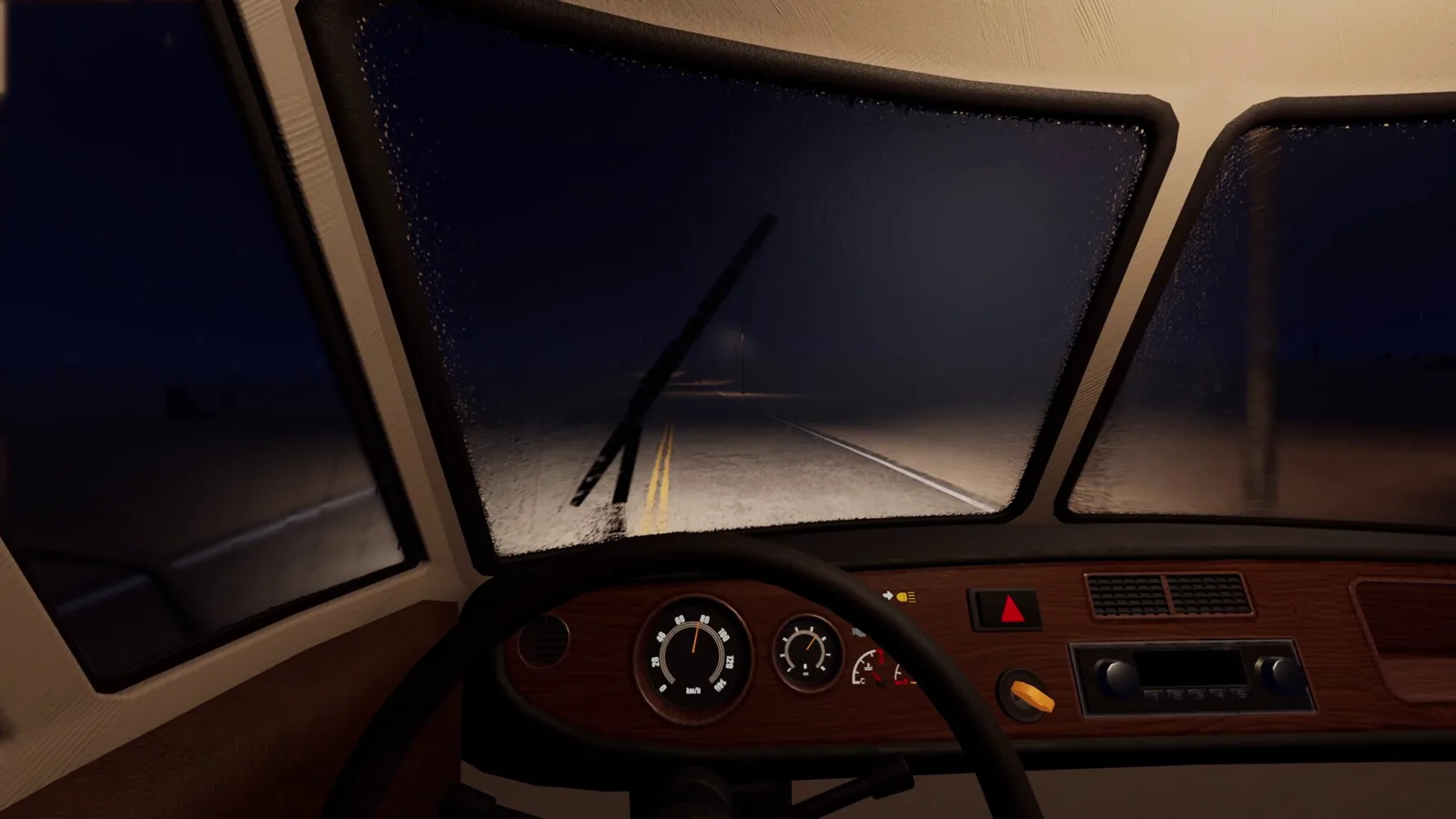
Table of Contents
The short answer
Nomad Drive's store listing on Steam publishes a full minimum and recommended spec sheet. As of 2026-10-16, the official Steam page lists the following:
| Minimum | Recommended | |
|---|---|---|
| OS | Windows 10 / 11 (64-bit) | Windows 10 / 11 (64-bit) |
| CPU | Intel Core i5-8400 / AMD Ryzen 5 2600 (6 cores) | Intel Core i5-12400F / AMD Ryzen 5 5600X |
| RAM | 12 GB | 16 GB |
| GPU | NVIDIA GTX 1060 6 GB / AMD RX 580 8 GB (6 GB VRAM) | NVIDIA RTX 3060 Ti / AMD RX 6700 XT (8 GB+ VRAM) |
| DirectX | Version 11 | Version 12 |
| Storage | 10 GB available space | 10 GB available space |
Both columns also carry the standard "requires a 64-bit processor and operating system" line. There is no separate Mac or Linux spec sheet on the Steam page as of 2026-10-16.
Two numbers stand out if you're used to indie survival games. The minimum RAM requirement is 12 GB rather than the more common 8 GB, and the minimum GPU wants 6 GB of VRAM. If your machine has 8 GB of system RAM or a 4 GB card, the listed minimum is already above what you have.
What the specs don't tell you
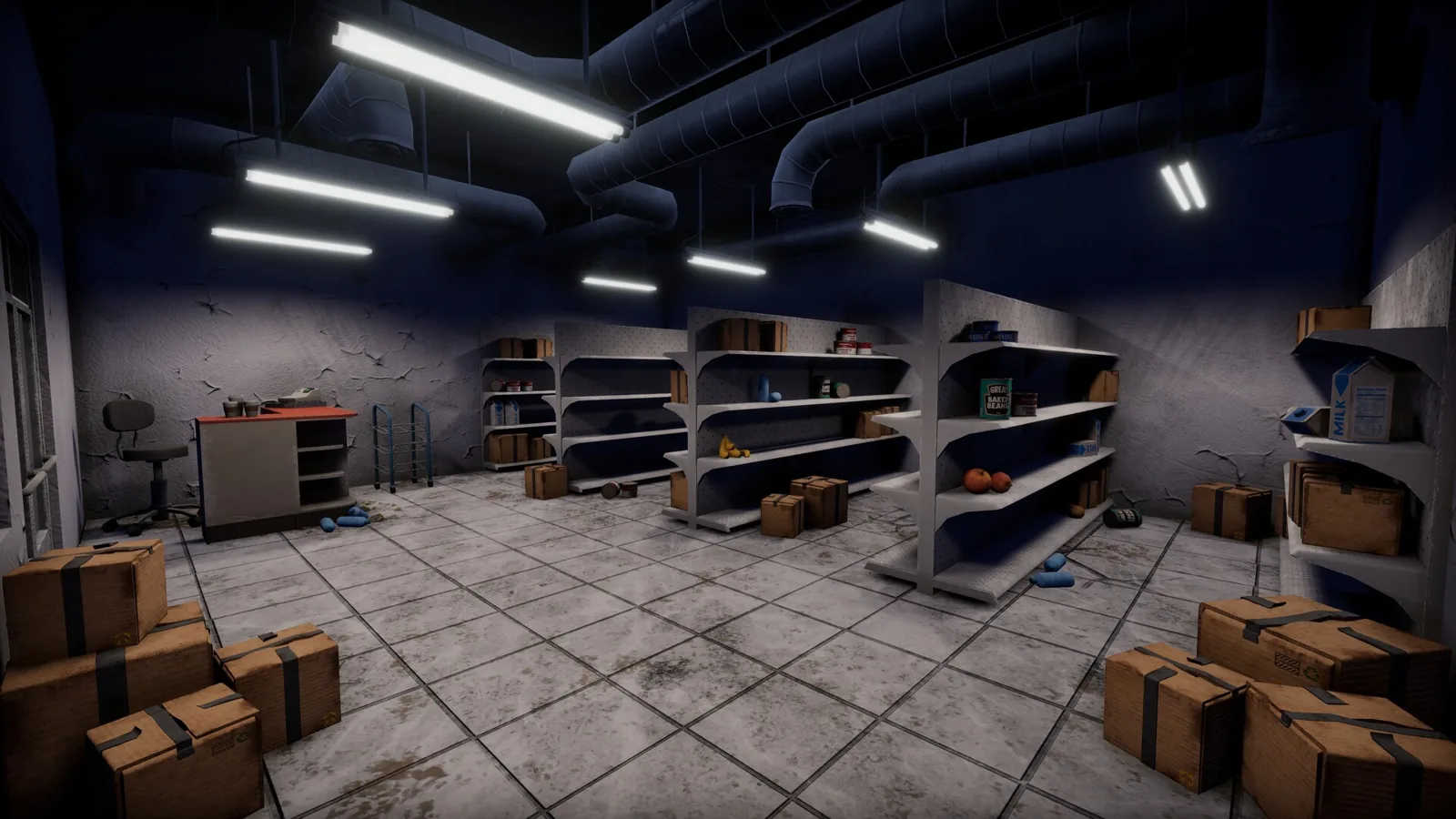
Nomad Drive is an Early Access release, and the Steam page says the planned release date is Oct 20, 2026 — so as of 2026-10-16 the only thing most people can actually run is the free demo linked from that same page. The Early Access section of the listing says the developers intend to focus heavily on performance optimization during Early Access, and warns that system-heavy updates may require save file wipes. In other words, treat the published specs as a snapshot of a game that is still being tuned, not a fixed target for the next year.
The Steam page also shows Steam Deck compatibility as Unknown as of 2026-10-16, which is the platform field worth watching if a handheld is your plan. There's more on that on the Nomad Drive Steam Deck page.
Don't trust every spec aggregator
Third-party "can I run it" sites often generate spec tables automatically, and at least one of them has produced nonsense for this game. As of 2026-10-16, the PCGameBenchmark page for Nomad Drive lists an Intel Core i5-12400T as both its minimum and recommended CPU, an ATI FireGL T2-128 as the required graphics card, 4 GB of RAM, and "TBA" for the operating system — and it credits the game to a publisher called Division Bell, where the Steam page credits Indie Devil. A FireGL T2-128 is a workstation card from the early 2000s. Use those pages for their FPS-estimate tools if you like, but take the actual numbers from the Steam listing.
What demo players have reported
Reports from people playing the demo are a reasonable sanity check, with the usual caveat that they rarely say what hardware they were on. In a demo playthrough posted to YouTube, the player describes the game running with some stuttering and wonders aloud whether a performance mode might arrive in the full release; no PC specs are given, so that's an impression rather than a benchmark. The same playthrough shows the demo's early loop — attaching an engine, battery, radiator, wheels and doors to a stripped RV before it will move — which is a useful reminder that a low frame rate in the first minutes is often the game loading a lot of interactive objects at once, not a permanent state.
For stutter specifically, the Nomad Drive lag page covers the topic in more depth.
If it runs badly
Nothing here is a confirmed in-game setting, just standard PC troubleshooting worth trying if the demo doesn't feel smooth:
- If you're at or below the minimum GPU, the VRAM ceiling is the first thing to hit. Lowering resolution and texture quality is the usual place to start.
- Update your graphics driver before you judge performance — Early Access builds frequently ship against recent driver versions.
- Cap your frame rate rather than leaving it uncapped; inconsistent frame pacing often reads as "lag" even when average FPS is fine.
- Verify the game files through Steam if you see hitches that appear suddenly after an update.
- On a 12 GB machine, close background apps before playing, since the listed minimum leaves little headroom.
Where to check next
Spec sheets change during Early Access, so the Steam store page is the only place worth re-checking before you buy or upgrade. The free demo is the cheapest possible test: if it runs acceptably on your machine today, the released build is likely to run at least as well once optimization work lands.
- Nomad Drive on Steam — official minimum and recommended specs
- PCGameBenchmark's Nomad Drive page — aggregator with conflicting numbers
- Demo playthrough on YouTube — first impressions of performance
Related Articles
Continue Reading
lag: stutters, freezes and what helps
Player reports of stuttering and micro freezes in the Nomad Drive demo, the developer's reply on chunk loading, and the community performance mod.
Steam Deck: What’s Confirmed So Far
No Steam Deck verification and no ProtonDB reports for Nomad Drive as of October 16, 2026 — what the store page and community threads do tell you.
Guide: Starting Your RV Survival Run
How Nomad Drive's opening RV build works, plus practical survival, maintenance and co-op tips from the demo, the dev's Steam replies and the community wiki.
What to Do First (Demo Survival Basics)
A practical starting plan for Nomad Drive: build your RV, get it running, stock supplies, and keep the road trip alive between stops.
Coolant Location: What Players Actually Use
The demo asks you to fill the radiator with coolant. Playthroughs show water works instead, and why a fixed coolant spot is hard to pin down.
Crowbar: What’s Confirmed So Far
As of 2026-10-16 the Steam page for Nomad Drive does not mention a crowbar; here is what the game's own listing says about tools and scavenging.