Nomad Drive Guide: Starting Your RV Survival Run
How Nomad Drive's opening RV build works, plus practical survival, maintenance and co-op tips from the demo, the dev's Steam replies and the community wiki.
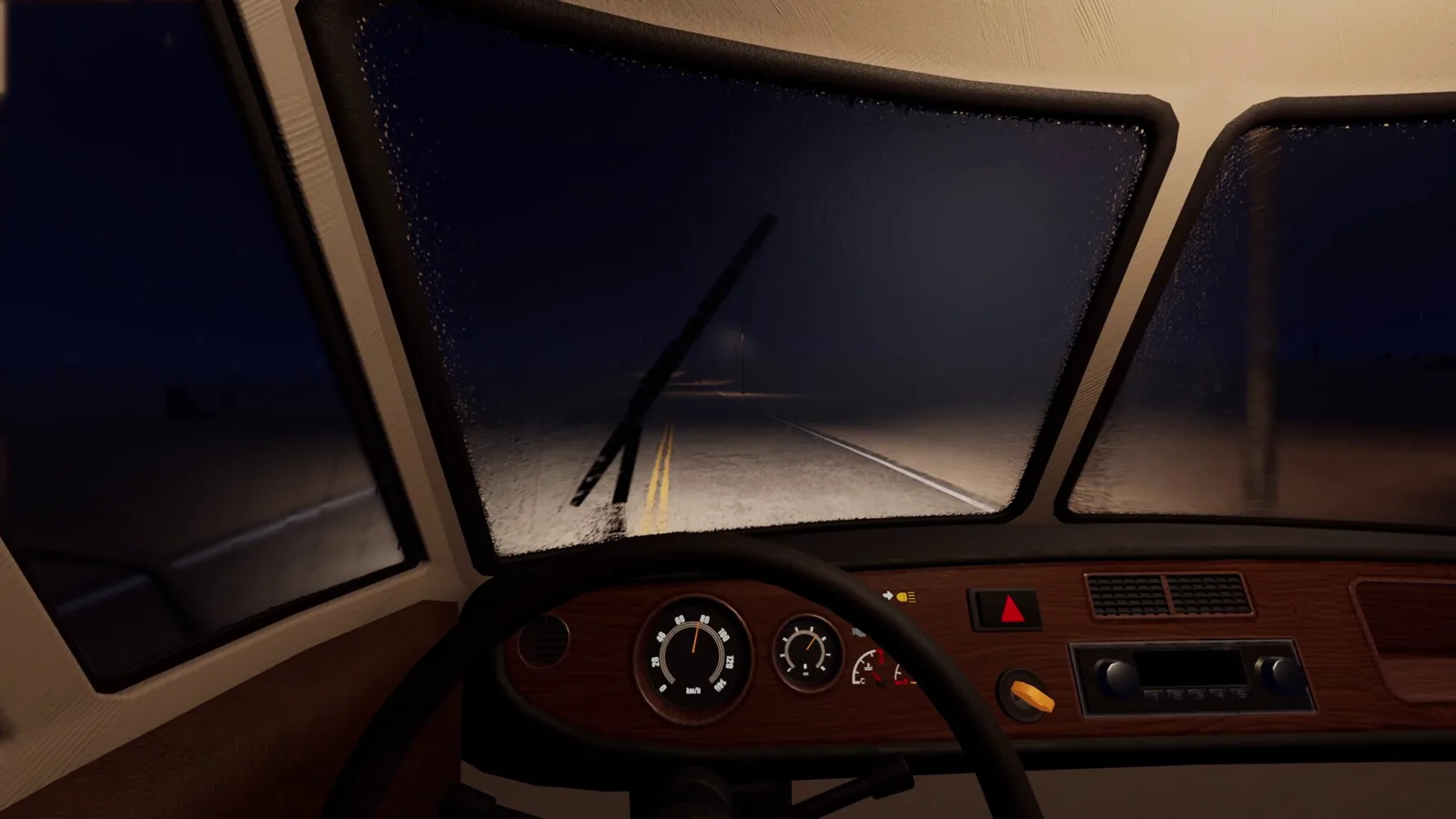
Table of Contents
Nomad Drive is a first-person post-apocalyptic RV survival game from developer and publisher Indie Devil. You start with a wreck of a motorhome, fix it up, and drive one direction through a procedurally generated wasteland alone or with up to three other players. This page is a starter guide, not a full route: it covers what the opening actually asks of you, how to keep the RV alive, and the parts of the game that are still shifting before launch.
The short answer to "what do I do first?" — get the RV roadworthy before you go anywhere. In the demo, that means attaching wheels, engine, battery, radiator, handbrake and steering wheel, then topping up fuel and water and loading supplies, all scavenged from the starting building and the lot around it.
Where the game stands right now
As of 2026-10-16, the official Steam page lists a planned Early Access release of October 20, 2026, and a free demo is downloadable from that same page. The page describes the core pitch as repairing a rundown RV and hitting the road solo or in 1–4 player co-op, with resource gathering, RV customization and survival needs. The store page's system requirements are Windows-only, and it does not list console versions as of that date. Steam Deck compatibility is listed as Unknown there.
A release-date announcement on the Steam page notes the Early Access launch was moved from September into the first half of October 2026; the store listing itself shows October 20, 2026. Expect that date to keep moving.
Your first job: make the RV roadworthy
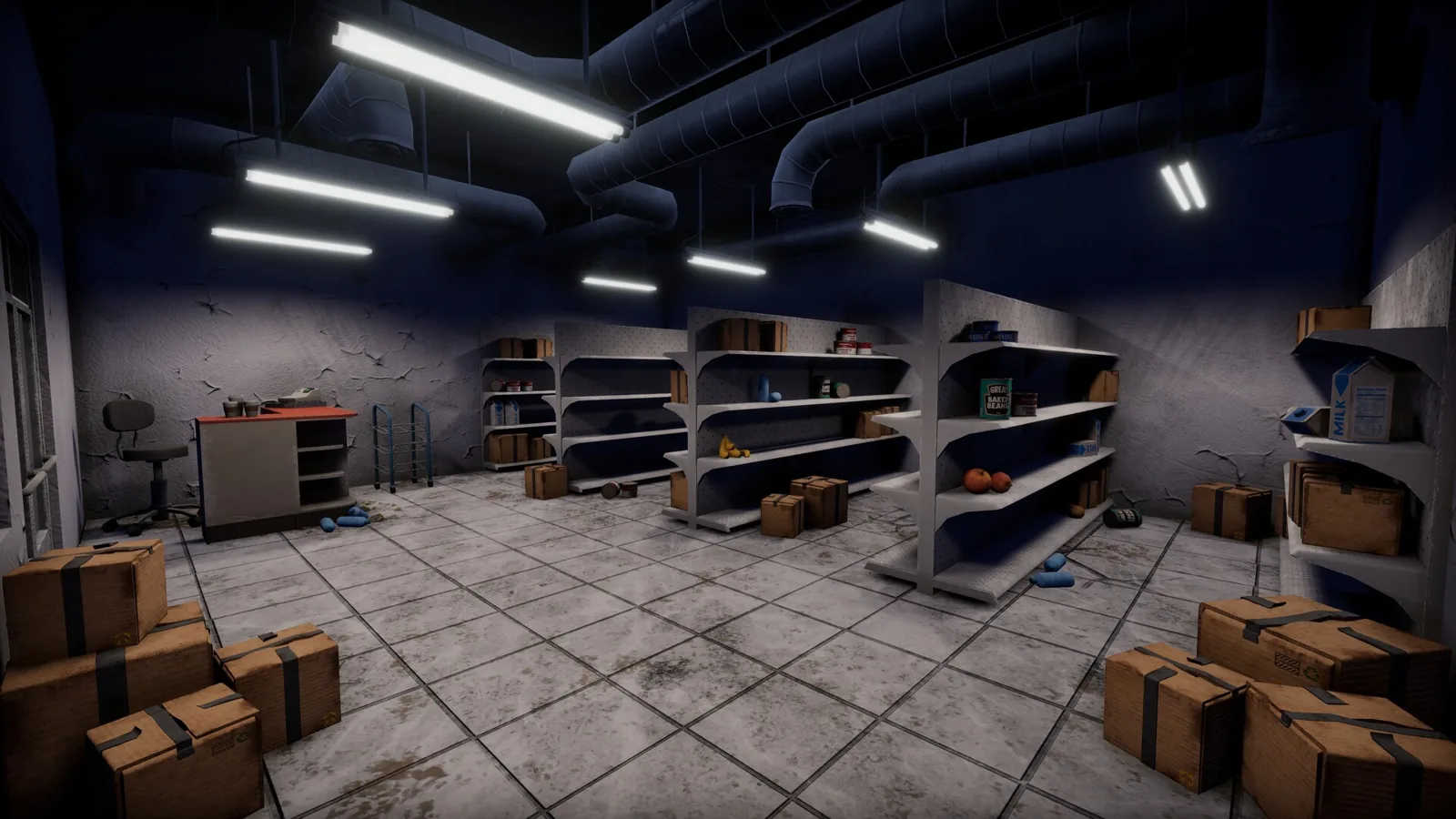
The best look at the opening comes from a demo playthrough, "Nomad Drive - Demo - Episode 1," which the creator notes was part of a Steam Next Fest event. He starts inside a building with a stripped RV outside and has to attach the missing pieces himself. Parts were scattered across two floors and the surrounding lot — tires, a battery, an engine, headlights, a fender, a driver's seat and repair kits — so it pays to walk the whole starting area before you commit to leaving. Fuel was already in the tank; he topped it up from a jerry can by holding the interact key, and the radiator needed water poured in before the RV was ready to run.
Missing doors are the running joke of that run. He drove off without a driver's side door and a rear door, and the RV still moved. The lesson isn't that doors don't matter — it's that you shouldn't stall your departure waiting for a perfect vehicle, because parts turn up later on the road.
The community wiki's beginner guide frames the opening the same way: complete the opening tasks in order so the RV is ready, your basic needs are covered, and you leave with enough supplies to survive the first stretch of road.
Pre-departure checks
The community wiki at nomaddrivewiki.wiki keeps a short maintenance table worth internalising. It treats the engine, battery and fuel as the critical checks — the engine should start and stay running, the battery should be ready before you leave the starting area, and you shouldn't roll out with only a splash of fuel — and lists repair tools and materials as a high priority, since you'll want them both for the initial repairs and for roadside fixes. Carrying spare repair kits matters: in the demo, engine and tire repair kits are separate items, so a tire kit won't fix an engine.
Food, water and carrying things
Hunger and thirst are active in the demo and are shown as bars on screen; the creator ate baked beans and tuna early because they need no preparation, and avoided eating raw mushrooms. Raw meat and potatoes are things you'll likely want to cook, and the official Steam page lists cooking, fishing, repairing and making coffee among the survival activities, with your RV's kitchen used to turn found food into better meals. Water shows up in bottles, jugs and buckets — the creator kept a large jug specifically so he could fill up whenever he found a big water source.
The single biggest adjustment for a new player: in the demo there is no inventory screen. Items are physically carried, stacked and placed, which means you ferry loot to the RV in trips rather than vacuuming it up. That also means a flashlight costs you a hand — the creator noted that carrying one left him unable to haul anything else, and night in the demo is genuinely dark.
Driving, seeds and the road itself
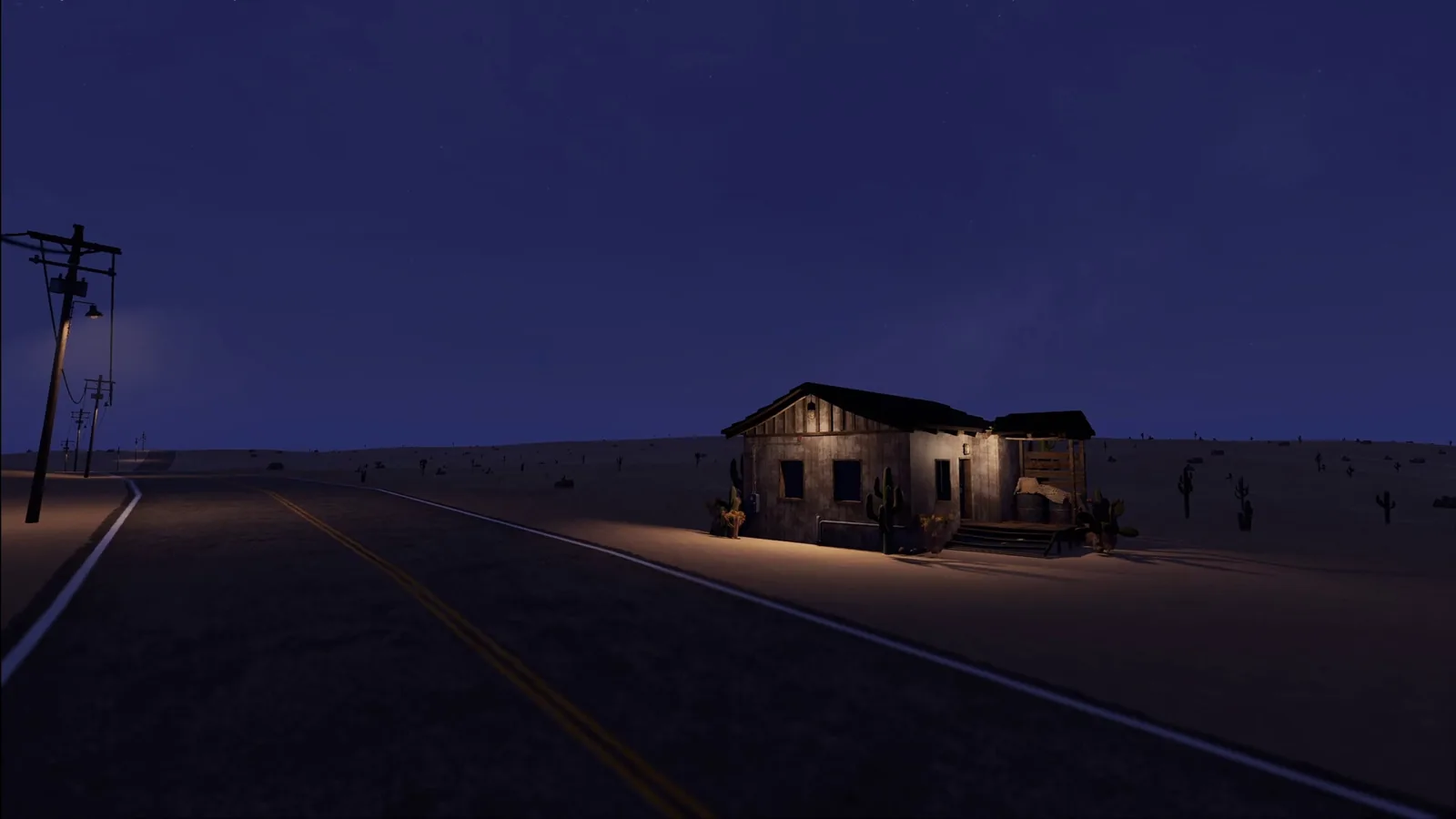
The road ahead is procedurally generated from a seed created when you start the game, according to the demo creator's description of how his run worked, so two runs won't look alike. When the road itself wasn't visible, he navigated by following the power line pylons, which is a simple trick worth remembering. Distances between points of interest can be long; his run turned up a bus stop, a small ranger station, shipping containers and a radio station, with wildly varying rewards.
The demo also surfaced a few objective chains that give the early game direction: a coffee quest (find a coffee machine, refill it, brew coffee), a gardening chain (find a pot, plant a seed, water it, grow it — the official Steam page confirms you plant discovered seeds in pots and tend them), and treasure hunting (find keys, then open common and rare chests).
Getting on the RV roof
Players have asked for ladders on the larger RVs for a reason. In the Steam Community thread "A long list of overly ambitious suggestions," one player shares the workaround he uses: park the RV next to a building, climb the building, and jump down onto the RV roof. He says the radio station is the easiest point of interest to pull this off at. That's a player-reported trick, not a documented feature — if it doesn't line up in your build, don't assume you're doing it wrong.
Co-op
The official Steam page lists single-player and online co-op for 1–4 players, along with Steam Cloud, Family Sharing, and controller support for Xbox and PlayStation pads. Its accessibility list includes adjustable difficulty and save-anytime. The community wiki groups co-op setup among its main hubs if you want a walkthrough of hosting and joining.
Controls
The community wiki's controls page makes a point of not publishing fixed default keys. It says Nomad Drive uses separate control contexts for exploring on foot, driving, interacting with the world, handling items and performing repairs, and that bindings are shown and can be changed in the in-game control settings. For a new player, that's the honest answer: open the control settings rather than trusting a wiki table.
Demo-era controls (from a pre-release demo)
For context only, since this is a demo build that predates Early Access: in the demo playthrough the creator held the interact key (E) to attach parts and transfer fuel from a jerry can into the tank, used a place key (R) to set items down, and believed the key he used to shut off the engine and get out was Q. Treat these as one player's observations of an older build — the wiki's advice to check your own in-game bindings still stands.
Performance and settings
The wiki's settings page suggests comparing your machine against the requirements on the official Steam page — minimum 12 GB RAM with a GTX 1060 6 GB or RX 580 8 GB, recommended 16 GB with an RTX 3060 Ti or RX 6700 XT — then starting from a graphics preset and reducing individual demanding options rather than dropping everything. The demo creator hit noticeable hitching even while standing still, which fits the Early Access note on the Steam page: expect bugs, and expect that system-heavy updates may require save file wipes.
What's in development, and what isn't
The same Steam Community thread is worth reading for the developer's reply on June 22, 2026. A developer response in that thread said vehicle interior upgrades (solar panels, interior lighting, overhead cabinets), brand new points of interest, more item interactions and new foods, and roadblocks and driving impediments were in active development. The same reply said sanity, hunting and very in-depth crafting fall outside the game's core design philosophy and likely won't be in the Early Access release. None of that came with dates.
The Steam page's own Early Access notes target a full release within 6 to 12 months, with the roadmap pointing at new biomes, a wider range of RV customization parts, and deeper survival and crafting systems.
Sources
- Nomad Drive on Steam — release date, features, system requirements and Early Access notes
- A long list of overly ambitious suggestions — Steam Community thread with the developer's reply and player tips
- Nomad Drive Wiki — community beginner, RV maintenance, controls and settings pages
- Nomad Drive - Demo - Episode 1 — demo playthrough covering the opening build and first drive
Related pages
Related Articles
Continue Reading
How to Find Treasure (Demo Guide)
A demo player's treasure-hunting routine in Nomad Drive: metal detector, shovel, keys, chest digs, and why fuel and despawning POIs matter.
What to Do First (Demo Survival Basics)
A practical starting plan for Nomad Drive: build your RV, get it running, stock supplies, and keep the road trip alive between stops.
Demo Walkthrough: Player Notes and Fixes
Player-reported notes from the Nomad Drive demo: radiator and storage quirks, co-op behavior, and the community bug-fix mod built for the demo.
How to Get Water in the Demo
Where water comes from in Nomad Drive, how to drink it, stash it in your RV, and use it for the radiator and for watering plants.
System Requirements: What You Need to Run It
The official Steam page's minimum and recommended PC specs for Nomad Drive, plus what demo players report and which spec pages to ignore.
RV Guide: Finding and Claiming Bigger RVs
How players find the larger RV in the Nomad Drive demo and transplant the engine, battery, radiator and interior from the starter camper van.