Nomad Drive How to Charge Battery: Charger or Swap
Use a Battery Charger or swap in a spare to get a dead RV battery going again, plus what drains it and what to do when you have neither.
Table of Contents
To get a flat RV battery going again in Nomad Drive, use a Battery Charger on it, or take the old battery off and install a working one you found. Those are the two ways players report. Driving does not top the battery back up, and the engine and tire repair kits do nothing for it — a player in the video "I Killed My Battery and Got Stranded in Nomad Drive Demo" tried first aid, revive, engine repair and tire repair kits before finding a charger, and the charger was what got him moving.
Using a Battery Charger
The item is labelled Charger when you look at it in the world, and the npctips battery guide (published 2026-10-10, working from the demo) describes holding it and using it on the RV's battery the same way an engine or tire repair kit is used on its part. One charger is consumed in the process.
According to that guide, a charger adds 65 to the battery's charge and stops at the 100 maximum, which gives a simple rule of thumb:
- Battery at 0: one charger gets you to roughly 65.
- Battery at 35 or more: one charger fills it completely.
- Above 35: part of the charger is wasted, so wait if you can.
The player in the video above watched his charger land at 65%, which lines up with that. Treat the exact figure as reported rather than as something you can rely on down to the point.
If the ignition says "Battery is broken", that is not a permanently destroyed part — in the demo, "broken" and "dead" are the same thing, meaning the charge has hit zero. Charging it or swapping it fixes it.
Swapping in a spare battery
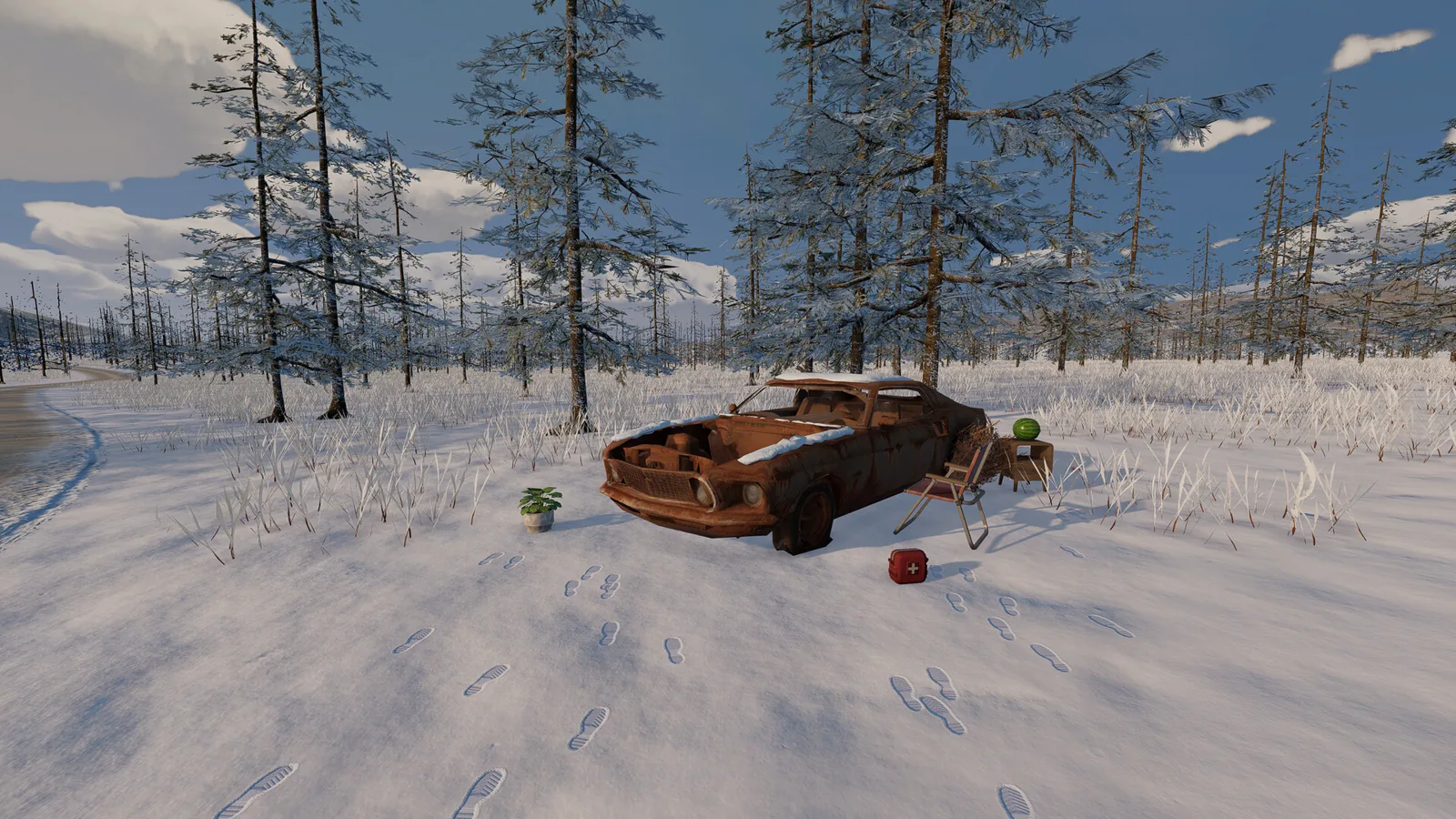
Any working battery you find can replace a flat one: detach the old battery and install the new one. The demo's opening objective walks through the same step, and the guide notes the prompt reads "Insert Battery". Keep in mind that flashlight and power-tool batteries are a separate item from the RV battery even though both are labelled "Battery" — the video player realised the small batteries he had been collecting were for his flashlight, not his vehicle.
No charger and no spare? You are not stuck forever
Nothing on the RV will bring the battery back on its own, but the run is not over. Players in the Steam discussion "What to do if battery is dead?" describe two ways out: walk to the next building and search it, or start a new game if the walk looks hopeless. The video player above walked a long way, found plenty of food but no battery, and only got going again after locating a charger in a later building — so pack water and food before setting out.
What actually drains the battery
Only the low-beam headlights, high-beam headlights, cabin lights and wipers pull charge, and only while they are switched on. Turn everything off and the charge holds. That is the consistent story across the material: a Steam thread poster says the battery only runs out if you leave the interior lights or headlights on, and the video player lost his charge after leaving the cabin lights on while looting. The game's own tip puts it plainly: headlights and wipers drain your battery.
The npctips guide estimates, from the demo's settings, that a full battery lasts roughly 63 minutes on low beams alone, about 58 minutes on high beams alone, and around 30–32 minutes with headlights and cabin lights together. Those are estimates from one guide, not official figures. The same guide notes the developers rebalanced drain in June 2026, so videos recorded before that can show faster drain than the build players were on in October 2026. It also reports that the demo lists wipers in the battery settings but shows "Wipers are not available", so in the demo the lights are what matter.
One player in the stranded-battery video reports a brake light that stayed lit and kept draining the battery even after he detached it. That reads like a glitch in his session rather than a normal drain source, and brake lights are not part of the four items listed above. If your battery drops with the lights switched off, check that the cabin lights and headlights are genuinely off before assuming a bug.
Where batteries and chargers turn up
According to the npctips guide's read of the demo's loot tables, the Starter House has a battery available, while chargers are not in the Starter House tables. After that, factories, gas stations, radio stations and watch towers each have a table that includes a charger, and wooden cabins and the shipping container area come in lower. Batteries turn up at car wrecks and the shipping container area as well. These are odds, not promises — the same kind of building can come up empty in your run, so it is worth checking a gas station or factory for a charger even when your battery is healthy.
The other useful habit, and one the Steam thread repeats, is carrying spares: a charger and a spare battery kept in the RV mean a dead battery is an inconvenience rather than the end of a run.
If the old battery will not come off
Players reported in June 2026 that they could not detach an old battery, and a developer suggested in the official Nomad Drive Discord saving the game, quitting to the main menu, loading the save and trying again. That advice was given for the June demo; whether the problem survives in the build players were on in October 2026 is not settled, so treat it as a workaround worth trying rather than a confirmed fix.
Version notes
Everything above describes the demo build players were working with in 2026. The npctips guide says it checked demo build 25361176 on October 9 and 10, 2026, and that the Early Access build arrives on October 20, 2026, when it plans to re-check the battery, charger and ignition behaviour. The Steam forum posts and the videos do not state a build number, so read their figures as demo-era. If you are playing after that date, the charger's restore amount, the drain rates and the no-start messages are the details most likely to have shifted.
Related Articles
Continue Reading
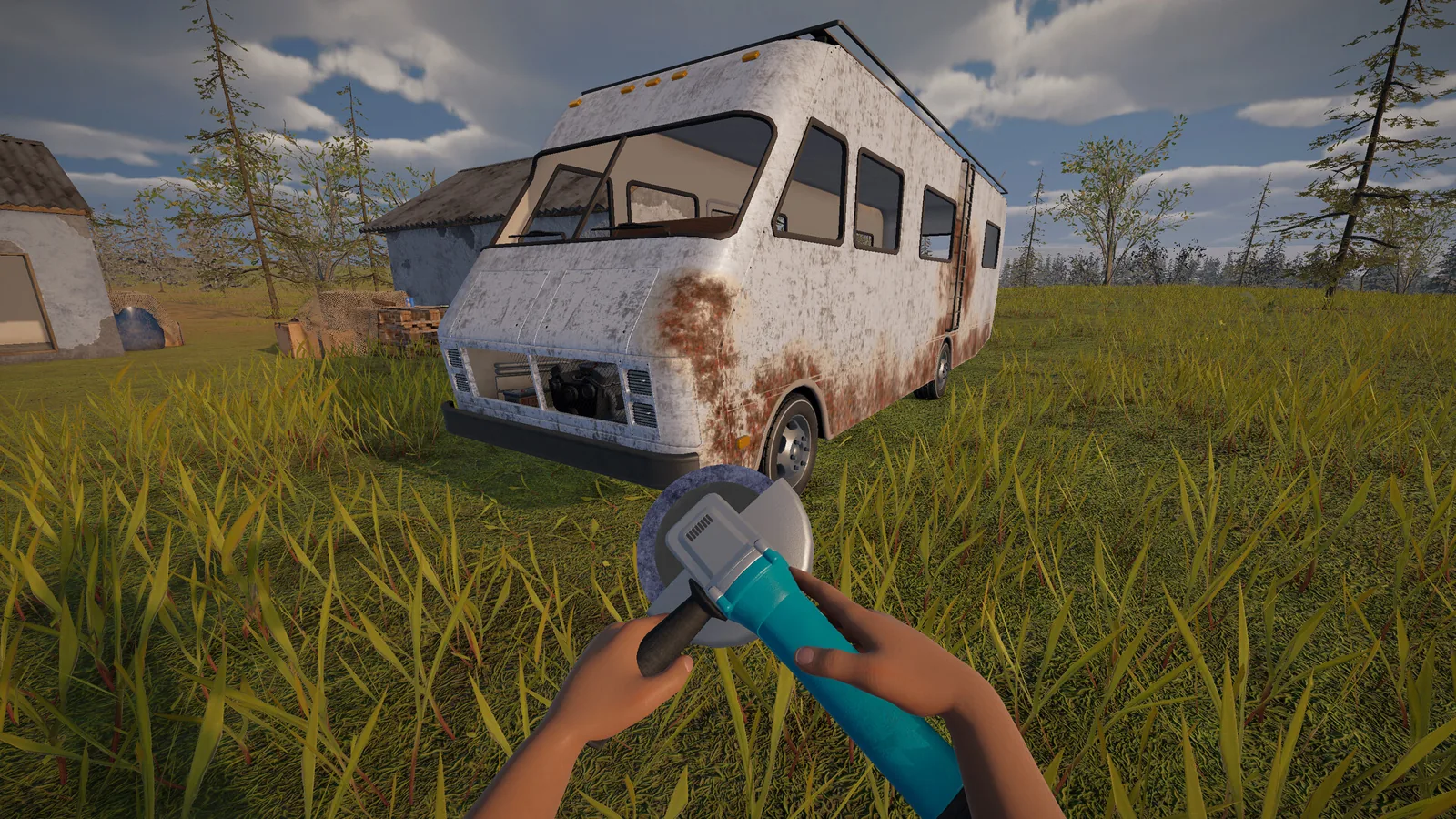
how to fix battery: Charger or Swap
A dead RV battery in Nomad Drive is fixed with a Battery Charger or a spare battery. Where to find both, and how to stop the drain happening again.
Demo Length: How Long the Demo Runs
No fixed demo length has been announced; here's what players report about how long a Nomad Drive demo session runs and how it ends.
How to Find Treasure (Demo Guide)
A demo player's treasure-hunting routine in Nomad Drive: metal detector, shovel, keys, chest digs, and why fuel and despawning POIs matter.
How to Get Water in the Demo
Where water comes from in Nomad Drive, how to drink it, stash it in your RV, and use it for the radiator and for watering plants.
how to use radio in the demo
Two demo playthroughs show the radio as a carryable item rather than a working tuner, so here is what players have and have not shown about using it.
Metal Detector: What It Does and How to Use It
A player-reported look at the metal detector in Nomad Drive's demo: what it's used for, where it turns up, and how digging treasure works.