Nomad Drive Walkthrough: First Road Trip Basics
A practical Nomad Drive walkthrough for day one: repairing the RV, stocking up, first stops and staying un-stranded, based on player reports.
Table of Contents
The short answer
There is no fixed Nomad Drive walkthrough, and a page that promises one is overselling it. The world is procedurally generated, so your starting house, the road layout and the locations you find differ from someone else's run. What actually transfers between playthroughs is the opening priority order: get the RV drivable, stock food, water, fuel and spare parts, then drive and loot every stop you pass. That is what this page covers — the first day on the road, not a route to a credits screen. The community walkthrough at nomaddrivewiki.wiki frames it the same way, as a priority framework rather than a fixed route.
The opening sequence, in order
The community walkthrough splits day one into five phases:
- Inspect the RV and work out what is actually broken — engine, battery, fuel, tires.
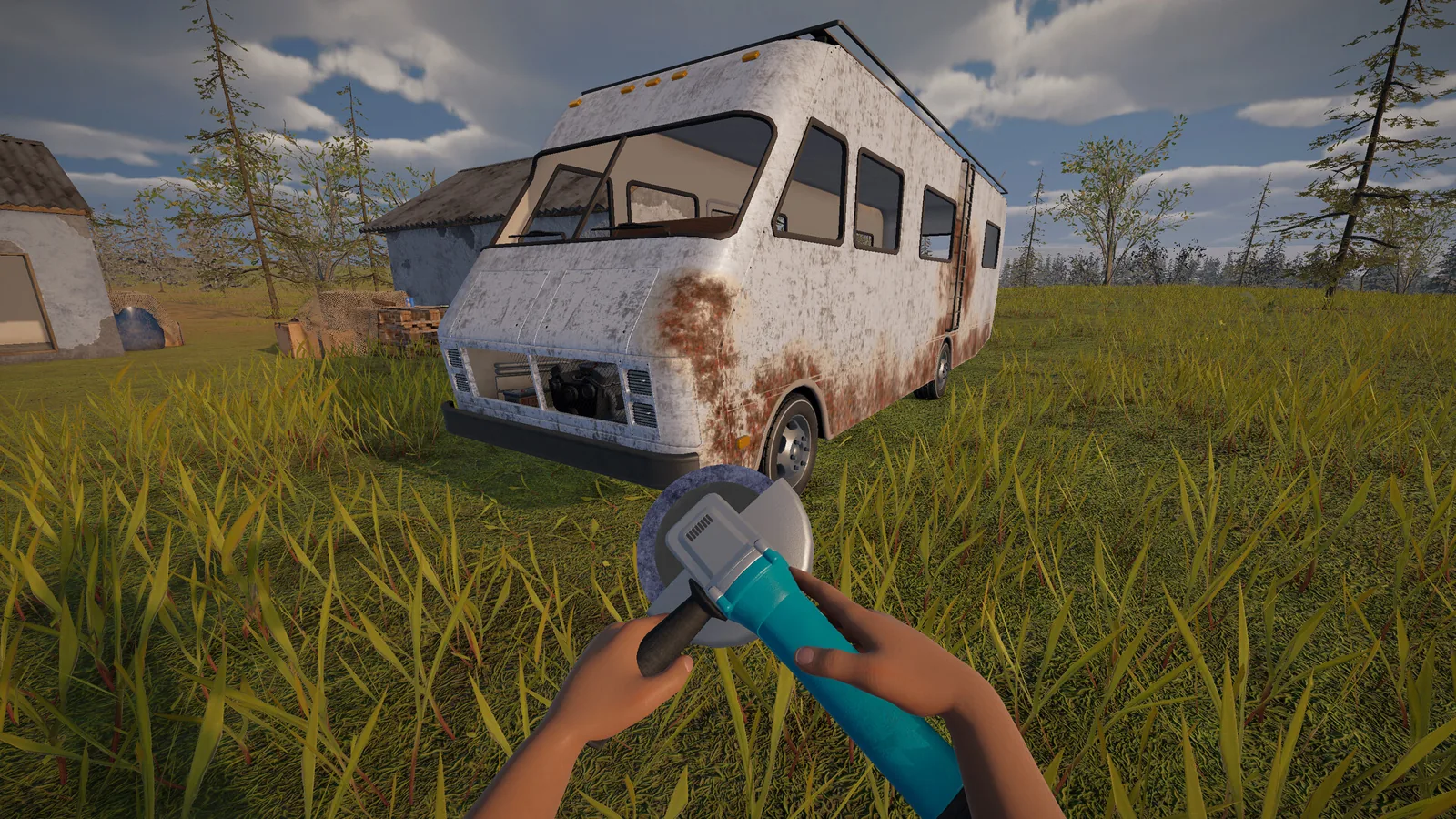
- Repair the critical systems first. Engine, battery, fuel and tires decide whether the RV starts and moves. Cosmetic fixes and interior decorating come later.
- Collect supplies — food, drinks, fuel, tools and materials from the starting area.
- Organise before you leave. Keep survival supplies separate from repair materials, and don't burn through all your food or fuel before you've moved.
- Do a pre-departure check — confirm the RV starts and moves, then verify remaining fuel, food, tools and materials.
In the demo playthrough below, that opening looks more like an assembly job than a repair job: you attach the wheels, engine, steering wheel, handbrake, battery and radiator to a bare RV, fill the radiator, then turn the ignition and release the handbrake. The same player spent a long time hunting for coolant, gave up, and found plain water worked in the radiator instead. Treat that as a demo-era detail — it may well change in the Early Access build.
What to load before you leave
Food and drinks, water bottles, fuel canisters, a first aid kit, tools and at least one spare part. The demo player's habit of grabbing anything portable and stuffing it into the RV is worth copying, with one caveat: carrying is slow, and there's no backpack at that point in the demo. Storage and carrying limits are one of the most common community complaints on the Steam discussion thread — seed packets not stacking, wanting a backpack, wanting buckets that hold more than one liquid. Expect to make several trips.
On the road: the stop-and-loot loop
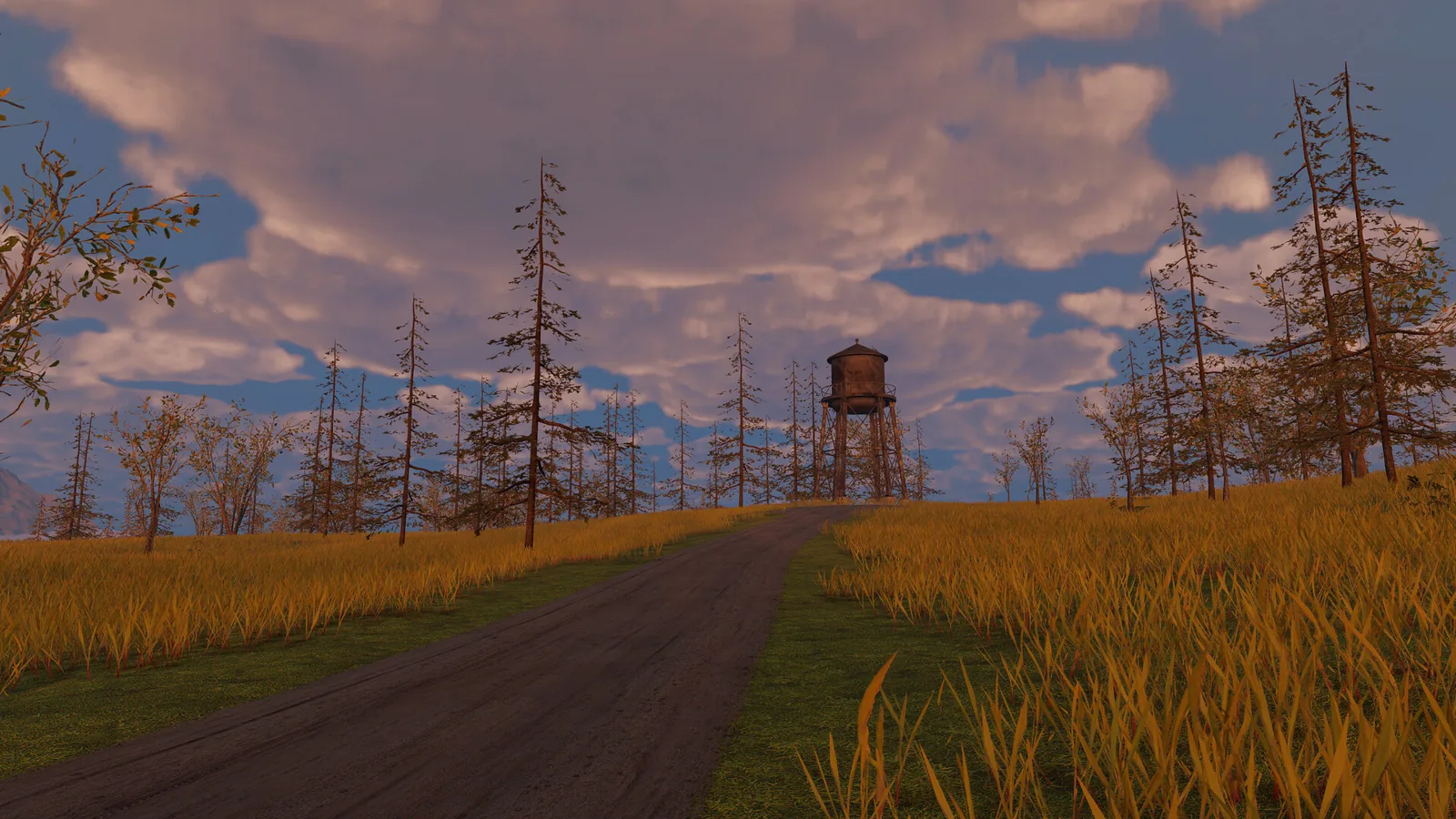
Once you're rolling, the loop is simple: drive, spot a structure, pull over, loot it, check the RV, drive on. Location types the community walkthrough calls out as worth stopping for:
- Gas stations — fuel and a reliable landmark.
- Vehicle wrecks — parts and scrap, usually a short detour off the road.
- Abandoned factories — the biggest salvage, but easy to get lost inside.
- Cabins and shelters — quick stops and orientation points.
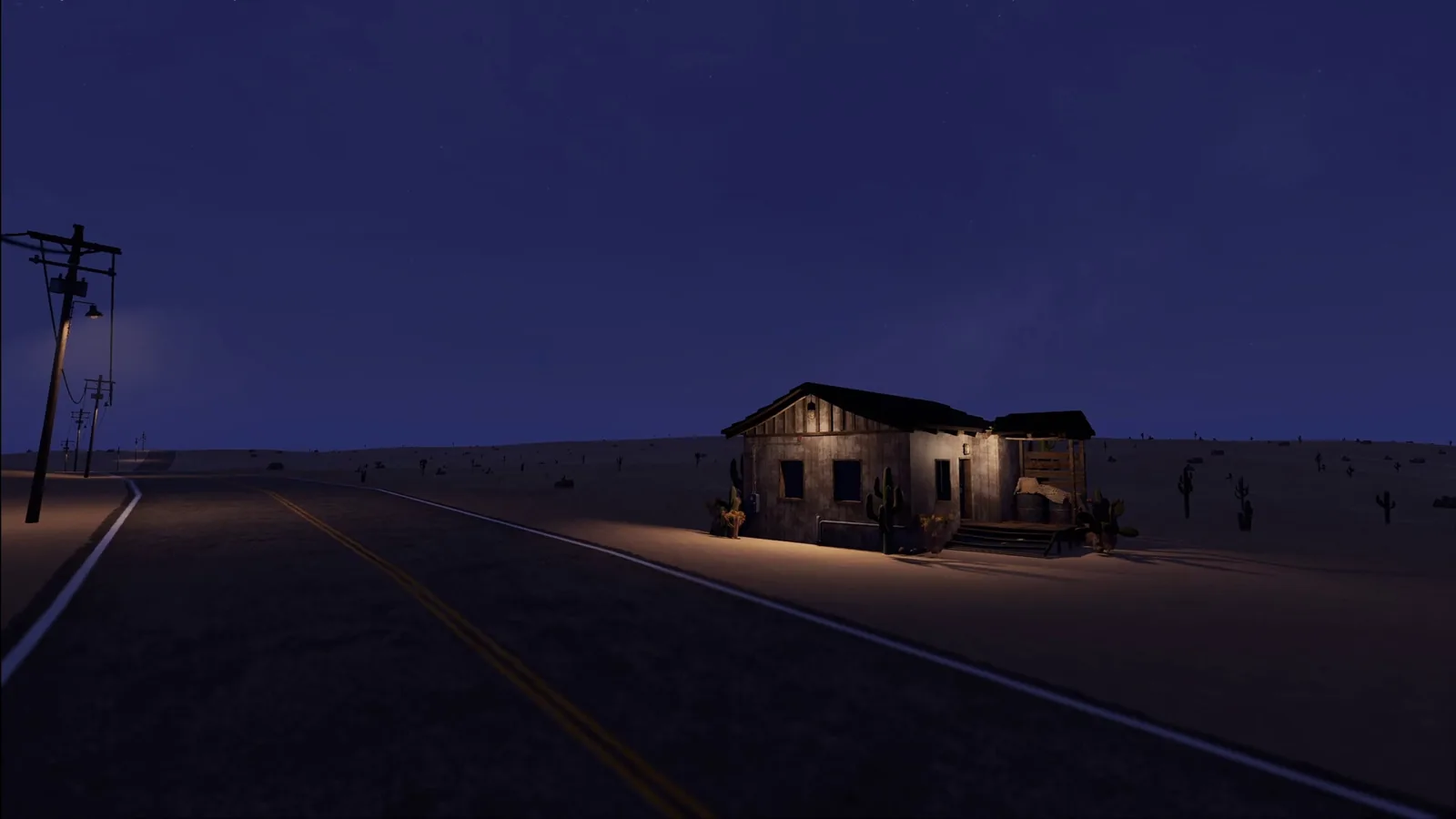
The demo player estimated roughly a couple of minutes of driving between stops, and noticed that locations behind them got hazy and seemed to despawn as new ones appeared ahead — a player impression rather than a confirmed mechanic. They also couldn't find any kind of map screen, so navigation is by eye.
Keeping the RV alive between stops
Run a quick engine, battery, fuel and tire check every time you stop, rather than discovering damage mid-desert. Carry spare parts and swap them in — parts show a condition value, so you can compare a spare against what's fitted and keep the better one. The demo footage shows an engine repair kit in the world and a hood you can open to repair the engine, plus a front wheel breaking after a collision and being replaced from a spare. Fuel at a gas station was free in that same session, which is the kind of thing that can change between builds.
Upgrading the RV and moving in
You aren't locked to your starting vehicle. The demo player found a larger van, moved their battery, radiator, tires and furniture across to it, and kept the old parts as spares. Furniture is pickable — fridges, tables, seats, appliances — and can be placed inside to furnish your space. Seeds found in the world go into pots, get watered, and grow into harvestable food.
On the development side, a developer reply in that same Steam thread (June 2026) said vehicle interior upgrades such as solar panels, interior lighting and overhead cabinets, new points of interest, more item interactions and foods, and roadblocks are in active development. The same reply said sanity, hunting and very deep crafting fall outside the core design and will likely not be in the Early Access release.
Getting on the roof: one player in the thread reported a workaround for cleaning and painting the roof of larger RVs — park next to a building, get onto the building's roof, and jump across to the RV, with the radio station noted as the easiest location for it. That's a player-reported trick, not a confirmed feature; ladders were on the community wish list.
Co-op: splitting the opening
The Steam page lists single-player and 1–4 player online co-op. The community walkthrough's suggested co-op opening: create or join a room and confirm everyone is connected, test voice chat before leaving the start, split responsibilities (one player on vehicle systems, the others gathering food, water, fuel and materials), complete the engine/battery/fuel/tire checks as a group, then travel together and share what you find. Their claim is that a full team can cut preparation time dramatically by doing the repair and scavenging phases in parallel.
Things that catch new players out
- Don't drive off the moment the engine turns over. Leaving with minimum fuel and no spare parts is the fastest way to strand yourself far from salvage.
- If a mushroom or other unidentified food can poison you — the demo session showed a poisoning prompt after eating one — keep a cure on hand before experimenting.
- Forgetting a handbrake or a door is survivable but annoying; check the parts list before you pull away.
A note on demo controls
The playthrough referenced here is a demo session, and it mentions controls like a horn key and a camera-change key. Those come from that demo build and shouldn't be assumed to match the released Steam version — check the in-game bindings once you're in the Early Access build.
Release and version notes
As of 2026-10-16, the official Steam page lists Nomad Drive as an Early Access release dated October 20, 2026 from developer and publisher Indie Devil, offers a free demo download, lists Windows 10 and 11 system requirements, and does not mention other platforms. The same page says the developers are targeting a full release within 6–12 months and warns that system-heavy updates may require save file wipes — worth knowing before you get attached to a long run.
More on this wiki: Nomad Drive guide, demo walkthrough, tips and tricks, what to do.
Related Articles
Continue Reading
What to Do First (Demo Survival Basics)
A practical starting plan for Nomad Drive: build your RV, get it running, stock supplies, and keep the road trip alive between stops.
Demo Walkthrough: Player Notes and Fixes
Player-reported notes from the Nomad Drive demo: radiator and storage quirks, co-op behavior, and the community bug-fix mod built for the demo.
Guide: Starting Your RV Survival Run
How Nomad Drive's opening RV build works, plus practical survival, maintenance and co-op tips from the demo, the dev's Steam replies and the community wiki.
How to Find Treasure (Demo Guide)
A demo player's treasure-hunting routine in Nomad Drive: metal detector, shovel, keys, chest digs, and why fuel and despawning POIs matter.
Demo End: Why the Road Never Finishes
The Nomad Drive demo has no scripted ending — the road simply runs on. Here's what players report when the demo's content runs out.
Demo: Build a Van, Cross the Desert
What the Nomad Drive demo actually contains — scavenging van parts, desert driving, cooking and farming — plus how to check language support.